

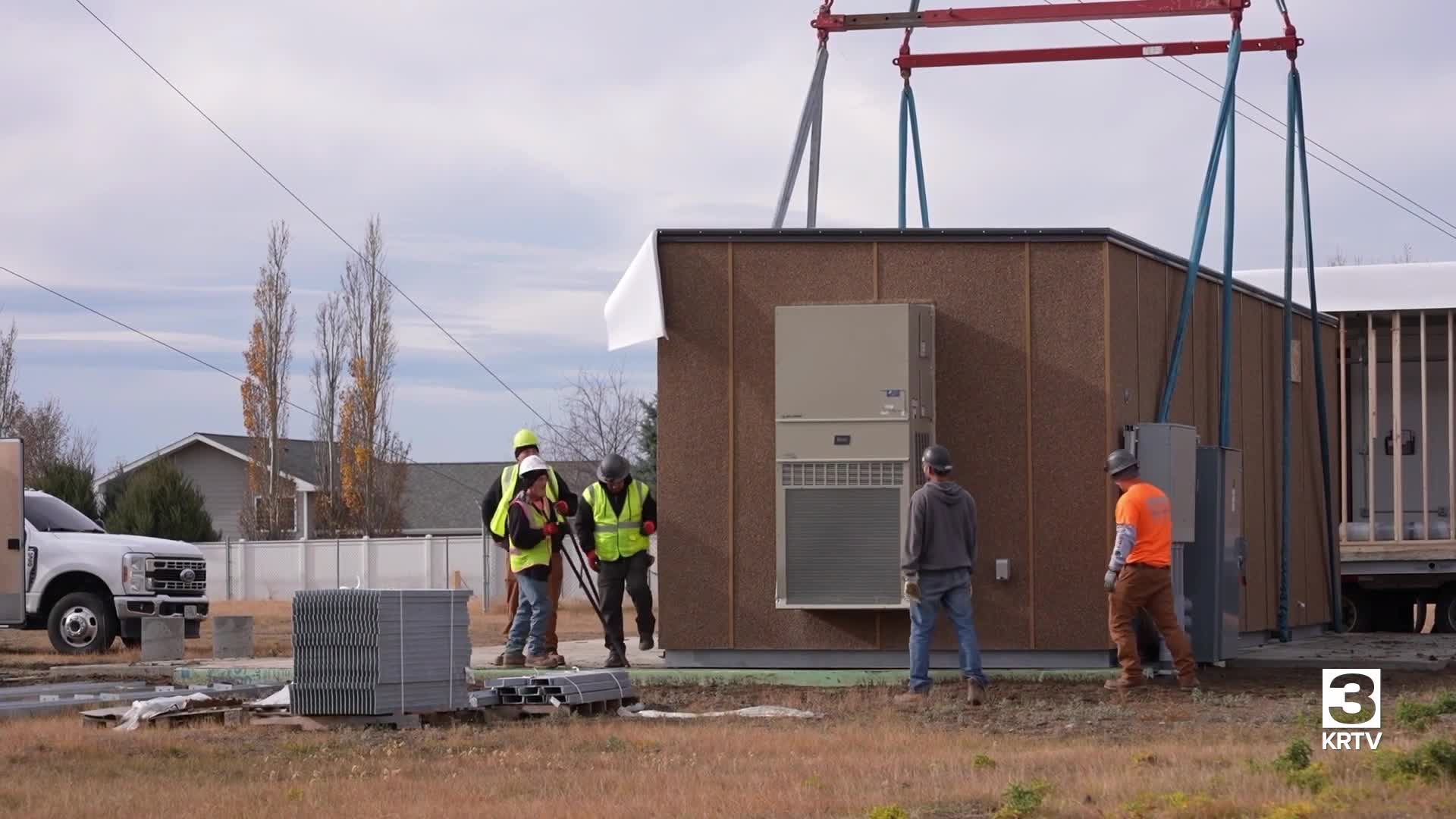

GREAT FALLS — KRTV is in the process of upgrading its transmitter. We're shifting from a very high frequency (VHF) channel to an ultra-high frequency (UHF) channel to provide a higher-quality signal.
This change will require some people who watch KRTV over the air to rescan their televisions to continue receiving the station's signal. People who watch KRTV via cable, satellite, or outside the immediate Great Falls area will not be affected by this change.
If you watch KRTV over the air using an antenna in the Great Falls area - you will have to rescan your channels to pick up our new signal.
Here are step-by-step instructions to rescan your television. The exact steps may vary by manufacturer, but the basic process remains similar across most TVs.
Step 1: Using your TV's original remote, find and press the "menu" or "setup" button.
Step 2: Navigate to Channel Settings by looking for options labeled "channels," "antenna," "tuner," or similar terms within the menu.
Step 3: Start the scan by selecting "scan," "auto-tune," "channel search," "auto program," or similar options.
Step 4: Allow the TV to complete its search. The television will automatically search for available channels and update the list, which typically takes several minutes.
Step 5: Some TVs will ask you to accept the changes. If KRTV appears on your channel list, you can proceed. If not, try rescanning again.
